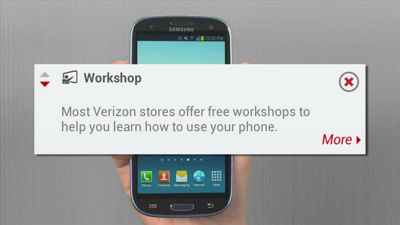
This is the My InfoZone Widget brought to you by Verizon Wireless. It's a free app that puts key information about your smartphone or tablet right at your fingertips. Need answers fast, the My InfoZone Widget is your one stop knowledge hub simplifying access to account, phone and device support information. The My InfoZone Widget also provides helpful tips on how to get more from your smartphone or tablet and works on devices operating on Android 2.2 and above. There are five easy shortcuts in all. Access your account information in My Verizon Mobile by simply touching the account tab on the widget. Check your current battery status and more detailed information on what is consuming your battery life. See the amount of available internal storage you have remaining on your device and browse the storage settings. You can even check specific support information to learn more about your smartphone or tablet. But it doesn't stop there. When the info icon is red, it means you have a new tip. Access tips by tapping the info button and learn how to get more out of your smartphone or tablet. You can tap each tip to get the next tip. You will see three new tips every week. The My InfoZone Widget can be downloaded from the Google Play store and added to your homescreen in the widget section for quick and easy access.