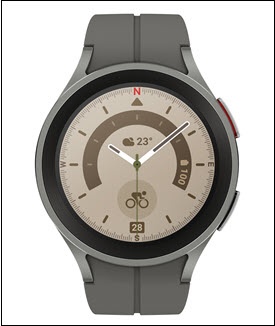
Samsung Galaxy Watch5 / Galaxy Watch5 Pro - View Signal Strength
Here's how to view signal strength on the Galaxy Watch5 / Galaxy Watch5 Pro.
From your Android™ smartphone, ensure your Galaxy Watch5 / Galaxy Watch5 Pro software is up to date as the steps below apply to the most recent version.
- From the watch screen, swipe down from the top to display the status panel.
- View the signal bar indicator
.
The signal strength indicator only displays when the device is connected to the mobile network. To connect to a mobile network:- From the watch, swipe up to op the Apps screen.
- TapSettings
.
- TapConnections.
- TapMobile Networks.
- TapAlways on.